


OnlyFans purchases are final in most cases, and understanding refund pathways starts with one fact: the platform processes refunds for access failures, not for disappointment. Subscribers who expect money back because a page did not match expectations usually find no path forward through support. This guide maps the three real layers of recourse — platform refund requests, verification hold confusion, and card issuer chargebacks — so you know which one applies to your situation. BestOnlyFans tracks refund complaints across ranking data to show which dispute types actually succeed.
Most confusion comes from mixing up billing problems with content problems. A duplicate charge is a billing problem with a clear fix. Paying $9.99 for a month you decided you did not want is a content decision with no fix. Sorting your issue into the right category before contacting anyone saves weeks of frustration.

Platform Refund Eligibility: What OnlyFans Actually Covers
OnlyFans refund policy centers on whether you received what you paid for, not whether you liked it. If a subscription charge went through but the page would not load, that is a technical failure worth reporting. If the creator stopped posting after you subscribed, that sits in a gray zone where outcomes vary. BestOnlyFans refreshes its rankings every month.
The table below shows how common refund scenarios typically resolve. Use it to set expectations before you open a support ticket.
| Situation | Refund Likelihood | Required Action |
|---|---|---|
| Complete technical access failure | High | Report with screenshots of the error |
| Creator page deleted with active subscription | Moderate to high | Contact support before the billing period ends |
| Buyer’s remorse after consuming content | Very low | Cancel renewal; no refund path exists |
| Accidental subscription to wrong page | Low | Cancel immediately and message support once |
| Fraudulent charge from compromised account | High with evidence | Secure the account, then dispute the transaction |
Five scenarios carry at least some chance of a platform-level refund:
- Complete technical access failure that persists across devices and browsers
- Creator page deletion while your subscription period is still active
- Duplicate billing for the same subscription period
- Fraudulent charge from a compromised account you did not authorize
- Significant platform processing error, such as a charge at the wrong amount
Outside those categories, support will usually point to the terms you accepted at checkout. Digital content that has been accessed is treated as delivered, which closes most dissatisfaction claims before they begin.
The Verification Hold Confusion: $0.10 vs. Actual Charges
The $0.10 card verification hold generates more refund questions than any actual charge. When you add a card, OnlyFans places a small temporary hold to confirm the payment method is valid. It is not a subscription charge, and it is not a fee.
Three facts resolve almost every question about this hold:
- The amount is standardized at $0.10 across all card additions.
- Refund processing completes within several days, depending on your bank.
- The hold is temporary and entirely separate from subscription activation.

Subscribers often see the $0.10 line item alongside a real subscription charge and assume both are billing errors. Check the dates: the hold appears when the card was added, while the subscription charge appears at signup or renewal. If a free page is involved, the $0.10 may be the only line item you ever see, which makes it look like an unauthorized charge when it is routine verification.
Tip: screenshot the $0.10 hold the day it appears alongside your card-add timestamp. If it has not reversed within seven business days, contact your bank first — the hold release is handled on the issuer side, not by platform support.
If you see a charge larger than $0.10 that you cannot match to a subscription, treat it as a real billing issue. Free pages set the price to $0 and earn through pay-per-view messages and tips, so a free page subscription should never produce a recurring charge on its own.
Billing Cycle Edges and Partial Month Access
OnlyFans does not pro-rate subscriptions. You pay for a period, and you keep access for that entire period regardless of when you cancel. Cancelling on day two of a thirty-day cycle does not generate a partial refund for the remaining twenty-eight days.
Four access rules apply once you cancel:
- Full access is retained until the paid period ends, no matter when you cancel.
- No pro-rated refund is issued for unused days in the current cycle.
- Cancellation stops the next renewal rather than terminating access immediately.
- Paid chat messages and PPV unlocks remain accessible if you already paid for them.

There is a second edge worth knowing. When a creator raises the price, auto-renew stops automatically, and your existing access lasts until the paid period ends. You keep what you paid for at the old rate, but the subscription will not continue unless you actively resubscribe at the higher price.
Paid base subscriptions run from $4.99 to $49.99, with most clustered between $5 and $10. Promotional first months can dip below $4.99 — a $3 first month is common — but base prices never go below the $4.99 floor. If you subscribed at a promotional rate and the renewal jumps to the standard price, that is expected behavior, not a billing error.
Card Issuer Chargeback Rights Versus Platform Terms
Your card issuer operates under consumer protection rules that exist independently of platform terms. OnlyFans can define its refund policy, but it cannot remove your right to dispute a charge with your bank. What changes is how likely each dispute type is to succeed.
Five chargeback categories and their realistic viability on this platform:
- Unauthorized use of a compromised card: generally supported by issuers.
- Services not received, such as a page that never loaded: partially viable with evidence.
- Dissatisfaction with digital content: rarely successful once access is confirmed.
- Subscription the subscriber forgot about: low success rate.
- Processing error by the platform: highest success rate of any category.

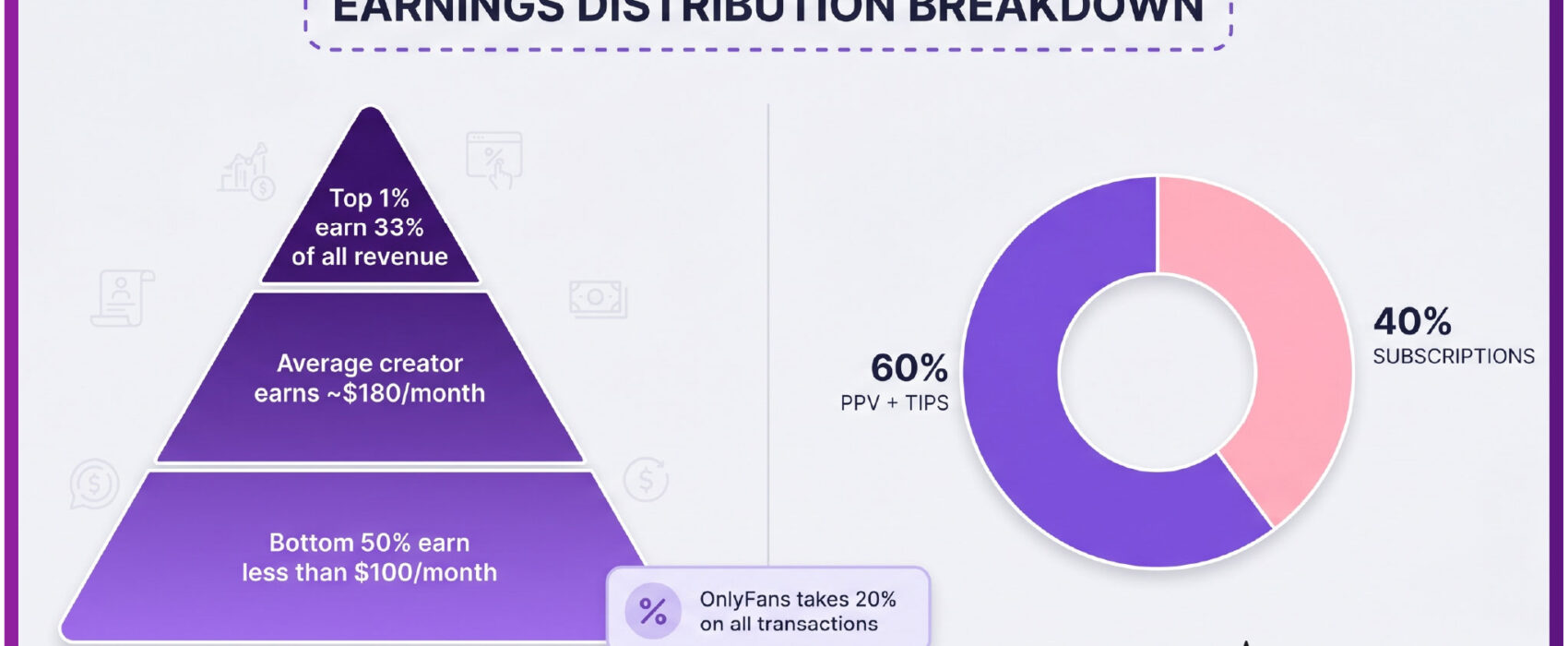
The platform fee sits at 20% on everything, with the creator keeping 80%, which means a chargeback pulls money back from both sides. Some ask whether you contacted the merchant first, so a support ticket on record strengthens your position even when the platform declines the refund.
For subscribers comparing platforms after a billing dispute, resources like this breakdown of the best onlyfans alternatives reddit discuss how different sites handle refund terms and billing transparency. Comparing policies before your next subscription is cheaper than disputing one after.
Documenting Disputes: Evidence That Supports Claims
Evidence decides disputes. A claim with screenshots and timestamps moves through review quickly, while a claim described only in prose often stalls or fails. Build your file before you contact anyone.
Four documentation steps cover nearly every dispute type:
- Capture a screen recording of the access failure, showing the URL and the error.
- Save every platform support ticket response, including automated replies.
- Record exact transaction timestamps and amounts from your bank statement.
- Preserve the original promotional materials that informed your purchase decision.

Issuers and support teams both respond better to a single organized package than to evidence dribbled across multiple messages. If the charge involved PPV unlocks up to $50 or paid chat at $3 to $5 per message, include those line items separately from subscription charges so the reviewer can see each disputed amount.
Preventing Disputes Through Pre-Subscription Verification
Most disputes never need to happen. A few checks before payment remove the two leading causes: subscribing to an inactive page and misunderstanding the price structure.
Start with activity signals. Ranking cards and directory listings that track posting recency give you a sense of whether a creator is currently active. OnlyFans has no built-in discovery feed, which is exactly why ranking sites exist, and their activity data is the closest thing to a preview you get before paying.

Second, read the price structure carefully. Note whether the listed price is a promotional first month or the standard renewal rate. Note whether the page is free with PPV, where costs arrive per message rather than monthly. Third, check the renewal date immediately after subscribing and set your own reminder a day before it.
BestOnlyFans methodology scores pages on activity consistency and pricing transparency alongside audience signals, which helps subscribers avoid the stale pages that generate most refund requests. A page that posted consistently for six months is a lower-risk subscription than one with a burst of activity and a long silence.
Account Standing Risks from Repeated Refund Requests
Refund requests are not free. Platforms track dispute patterns, and repeated claims change how your account is treated. A single legitimate dispute is routine. A pattern of them is not.
| Dispute Frequency | Platform Response | Subscriber Impact |
|---|---|---|
| First dispute | Standard review | No lasting effect if the claim is valid |
| Multiple disputes | Manual account flag | Slower support responses; closer scrutiny |
| Frequent chargebacks | Payment method restriction | Cards may be declined for future purchases |
| Pattern abuse | Potential account termination | Loss of access to purchased content |

The practical guidance is simple: dispute what is genuinely wrong, cancel what you simply no longer want, and never use chargebacks as a cancellation shortcut. Cancellation and refunds are separate processes, and treating them as interchangeable is what triggers restrictions.
FAQ
Can I get a refund if I am unhappy with the content quality after subscribing?
In most cases, no. Once you have accessed the content, it is treated as delivered, and dissatisfaction with quality does not qualify for a refund under platform policy. The correct action is to cancel the renewal so the next billing cycle does not charge you again.
Why did OnlyFans charge me $0.10 when I signed up for a free page?
That is a card verification hold, not a subscription charge. The platform places a standardized $0.10 hold when a card is added to confirm the payment method works. It reverses within several days depending on your bank, and no recurring charge follows on a free page.
What happens to my access if I cancel mid-month and request a refund?
You keep full access until the paid period ends, and no pro-rated refund is issued for the remaining days. If you also request a refund and it is granted, access may end earlier depending on how support resolves the case.
Will my credit card company help if OnlyFans denies my refund request?
Your issuer can open a chargeback regardless of the platform’s decision, but outcomes vary by category. Unauthorized charges and platform processing errors succeed most often. Dissatisfaction with digital content rarely succeeds once access is documented. Keep your support ticket and transaction records ready before filing.